


Learn through the super-clean Baeldung Pro experience:
>> Membership and Baeldung Pro.
No ads, dark-mode and 6 months free of IntelliJ Idea Ultimate to start with.
Learn through the super-clean Baeldung Pro experience:
>> Membership and Baeldung Pro.
No ads, dark-mode and 6 months free of IntelliJ Idea Ultimate to start with.
Booting is the process of loading an operating system. It’s the process that starts when we turn on the computer (using the power button or by a software command) and ends when the operating system is loaded into the memory.
In this tutorial, we’ll explain what exactly happens during each step of the booting process.
When we turn on the computer, there is no program inside the computer’s main memory (RAM), so the CPU looks for another program, called the BIOS (Basic Input/Output System), and runs it. The BIOS is a firmware that is located on the motherboard and is run by the CPU to start the booting sequence:
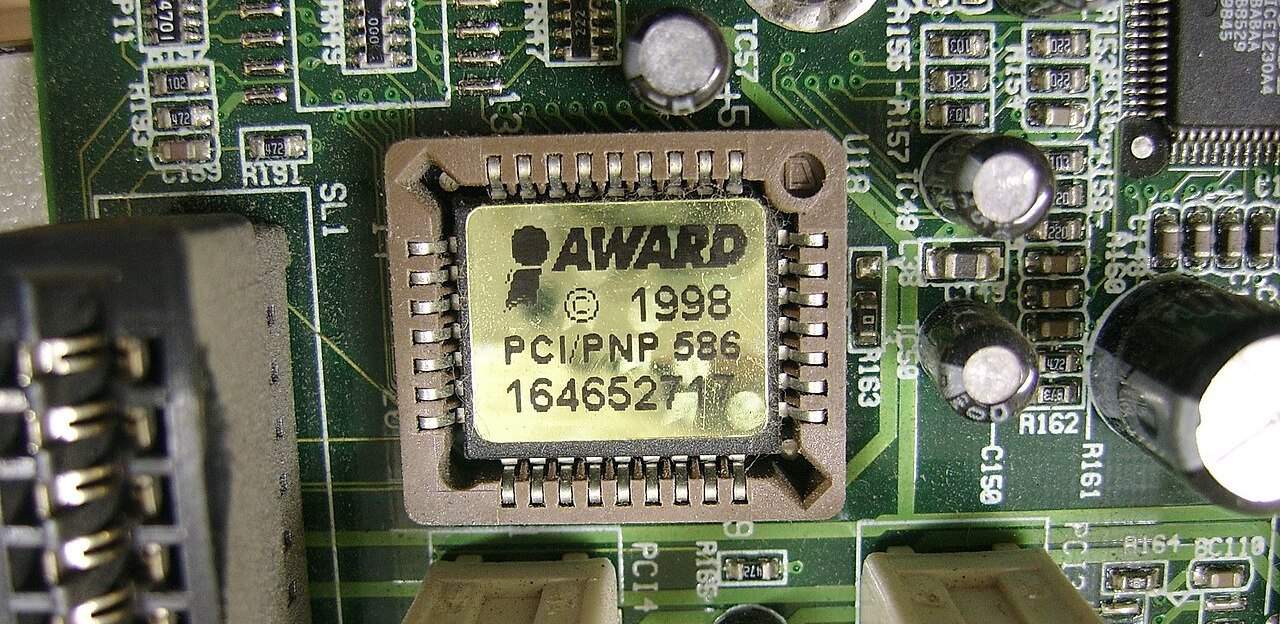
After the BIOS starts running, it starts a process called POST (Power-On Self-Test) which tests all the hardware devices and makes sure there are no issues. Moreover, if POST finds some issues in the hardware, the booting process stops and the computer fails to boot.
After running POST, the BIOS proceeds to load the MBR (Master Boot Record) from the bootable device into RAM. The MBR consists of 512 or more bytes located at the very beginning sector of the bootable device (which can be an HDD, an SSD, or a flash drive).
Below is a simplified structure of the MBR:
| Bootstrap code | Partition table | Boot signature |
|---|---|---|
| 446 bytes | 64 bytes | 2 bytes |
After loading the MBR into RAM, the BIOS runs the first instruction loaded from the MBR. The first instruction is typically the bootstrap code, aka the bootloader, which is a program written in machine code that loads the operating system into RAM.
Each operating system has its own bootloaders. For example, GNU GRUB, LILO (Linux Loader), and rEFInd are a few popular Linux bootloaders:

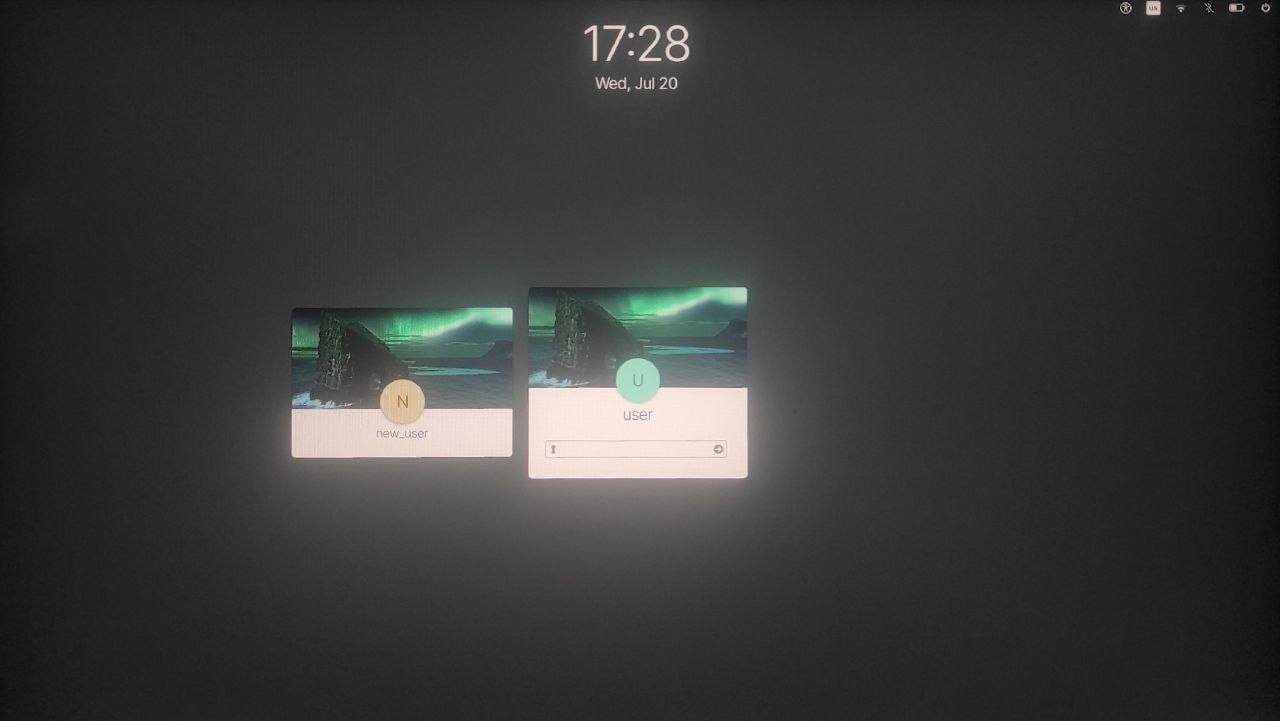
Once the OS is loaded into the memory, the OS starts running. Further, the OS starts its own initialization (which includes loading device drivers, setting up libraries, etc). Finally, when the OS initialization is finished, the OS starts a shell that displays a login prompt to the user:
In this article, we went through every step of the booting process and explained what happens during each step.